
Our Customer Service team is here to help you during each step of the certification process.
Last Updated: Oct 28, 2025
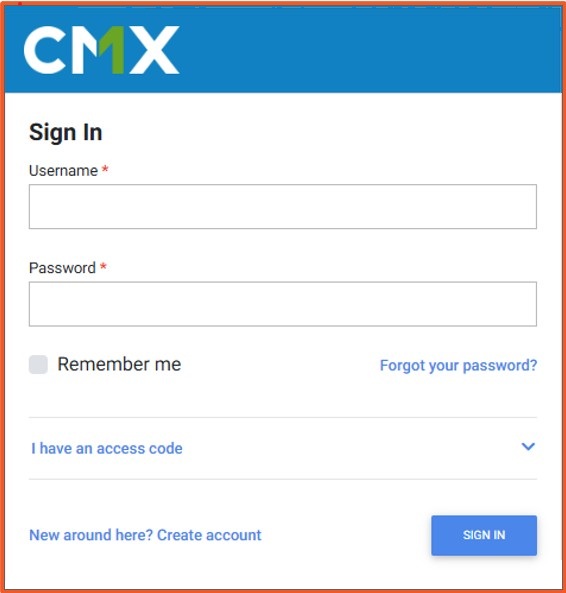
You are now logged into your SQF Assessment Database account and can manage your audits, sites, and certifications.
• Forgot Username or Password: Click the Forgot Password link on the login page to reset your credentials.
• Login failed: Double-check your username and password. Both are case-sensitive.
• Locked out of your account: After multiple failed attempts, contact SQFI Support at info@sqfi.com.
• Login page not loading: Ensure you are connected to the internet and using a supported browser.
Can I change my password?
Yes. Use the Forgot Password option or update your password.
What if multiple people need access to my account?
Each user should have their own login credentials for security reasons.
Can I use one login for multiple sites?
Yes, if your account is linked to multiple sites within the same corporate record.
What if I do not receive a password reset email?
Check your spam or junk folder. If still not received, contact SQFI Support.
How do I register my Site in the SQF Assessment Database for an Audit?
How to Register for an SQFI Multi-Site Audit
How do previously certified customers access the SQF Assessment Database?
How do I add site information in the SQF Assessment Database?
How do new customers get started in the SQF Assessment Database?
Privacy Policy |
Terms of Use
251 18th Street S., Suite 1200, Arlington, VA 22202 | Phone: (202) 220-0635
© SQFI. All Rights Reserved.
Web Design & Development by Matrix Group International, Inc.

