
Our Customer Service team is here to help you during each step of the certification process.
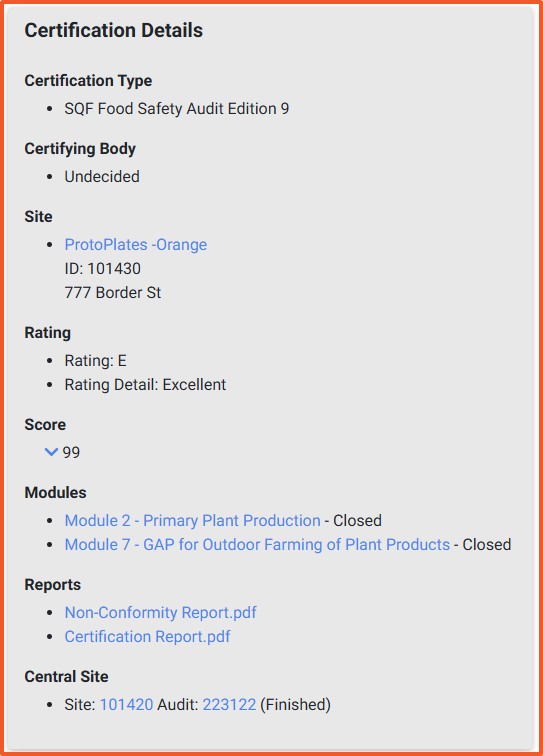
You have successfully downloaded your certification report. The PDF can be opened, saved, or shared as needed for your records or customer requests.
• Cannot find audit: Ensure you are looking under the correct site and audit cycle.
• No Certification Report available: Confirm the audit has been completed and approved by your Certification Body.
• File will not open: Ensure your device has a PDF reader installed.
• Report not downloading: Try refreshing the page, clearing browser cache, or using a different browser.
Privacy Policy |
Terms of Use
251 18th Street S., Suite 1200, Arlington, VA 22202 | Phone: (202) 220-0635
© SQFI. All Rights Reserved.
Web Design & Development by Matrix Group International, Inc.

