
Our Customer Service team is here to help you during each step of the certification process.
Last Updated: Oct 28, 2025
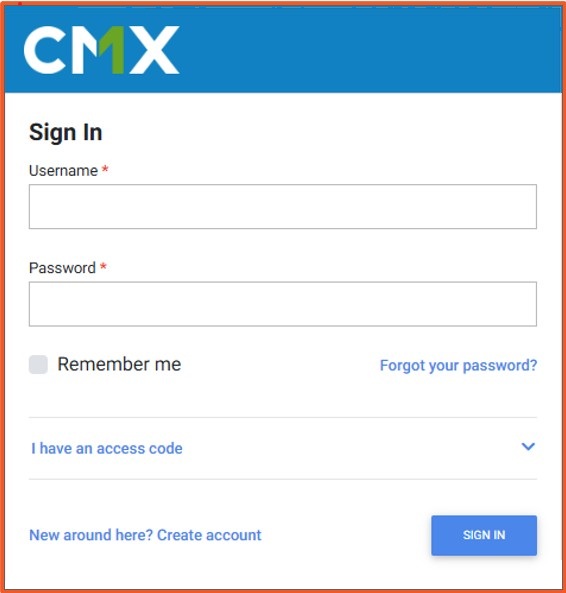
A) Create your account
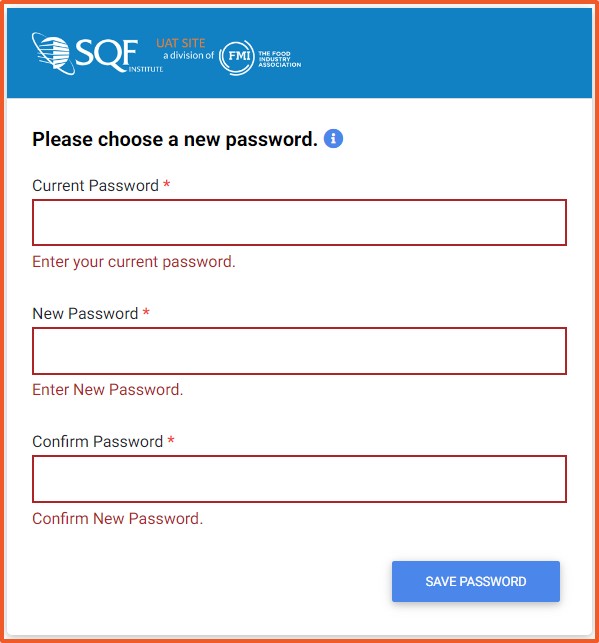
B) Set your password
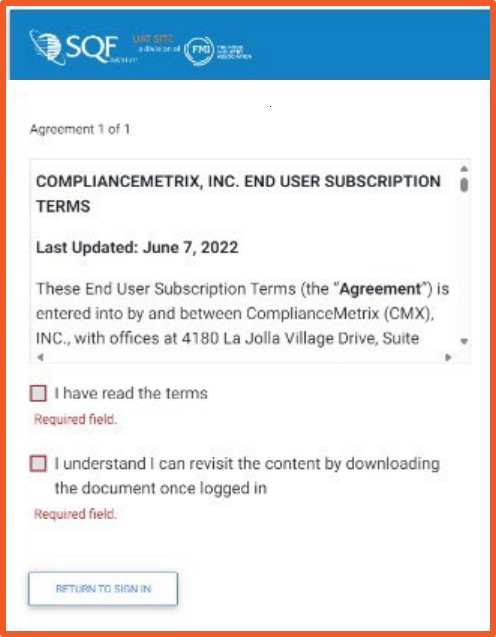
C) Accept the terms
D) Verify your profile
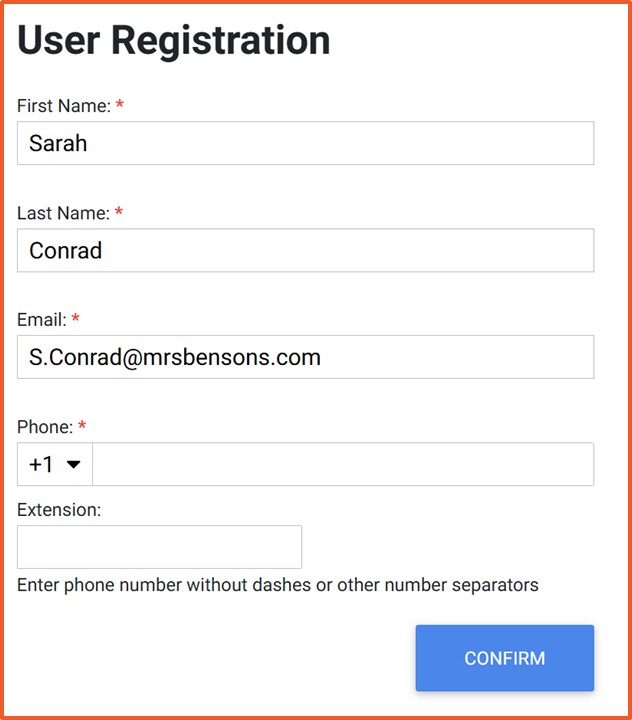
You now have an active SQF Assessment Database user account. Your profile has been confirmed, and your password has been set.
• No email after 20 minutes: Check spam/junk for messages from Compliancemetrix. If still missing, use Forgot password or contact SQFI Support at info@sqfi.com.
• “Email already exists” error: Your account may already be registered. Use Forgot password to regain access.
• Password will not save: Ensure you meet the on-screen password requirements (length, characters, etc.).
Who should create this account?
For SQF registration, an account must be established by either the designated site contact or a corporate contact; the identity of the creator is immaterial.
Does my Certification Body create the account for me?
No. Your Certification Body cannot create your login. The site itself must maintain its own access. After the account has been established, the certification body may register on your behalf.
Is there a cost to create an account?
No. Creating an account is free. Fees apply only when registering for certification.
What if I cannot access the email address I registered with?
Contact SQFI Support at info@sqfi.com to update your email and restore access.
How to Register for an SQFI Multi-Site Audit
How do I update my registration in the SQFI Assessment Database?
How do I add site information in the SQF Assessment Database?
How do I complete my corrective actions in the SQF Assessment Database?
How do I download my certification report in the SQF Assessment Database?
Privacy Policy |
Terms of Use
251 18th Street S., Suite 1200, Arlington, VA 22202 | Phone: (202) 220-0635
© SQFI. All Rights Reserved.
Web Design & Development by Matrix Group International, Inc.

